Mobile CRM
Your whole CRM, in your pocket
WorkPro runs in any phone’s browser with nothing to install. Add it to your home screen and it opens full-screen — with a bottom menu, Ask AI one tap away and touch drag-and-drop on every board.
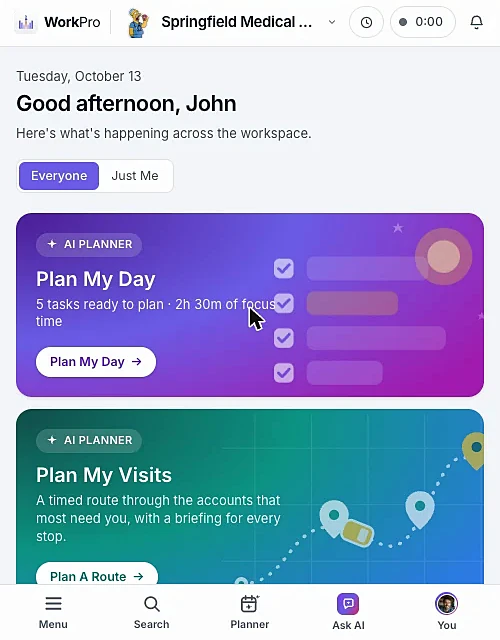
Your day at a glance
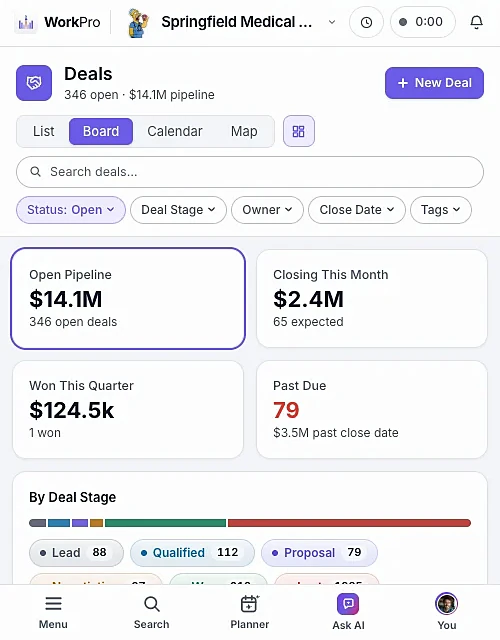
Drag deals with your thumb
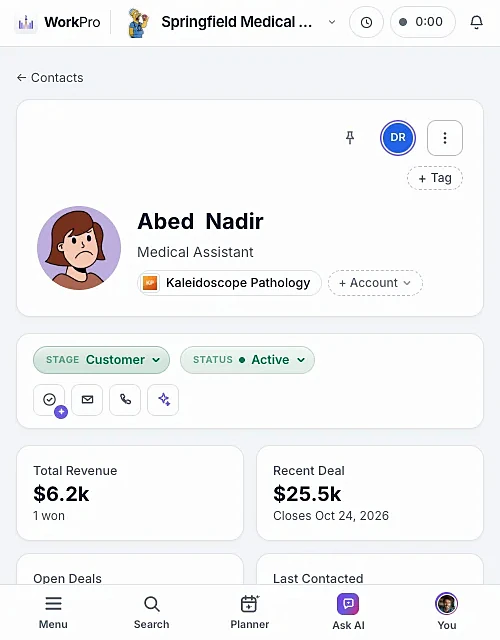
Call or email in one tap
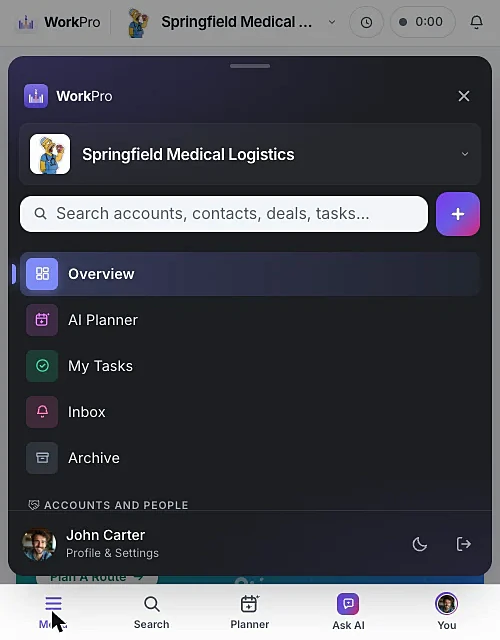
Everything one tap away
Add to Home Screen
Opens full-screen like a native app, with its own icon.
Two layouts
A bottom footer menu (the default) or a slide-out sidebar — your choice.
Ask AI by voice
Log visits and calls hands-free, then confirm the card.
Routes to Google Maps
Scan a QR code and your planned route opens in Google Maps.
Camera scanning
Look up, count, receive and move stock with the phone camera.
Clock in on the go
Time clock and timers work the same on your phone.
FAQ
Mobile questions
Straight answers about what WorkPro does today. Can’t find yours? Ask us during a demo.
Is there a WorkPro app for iPhone and Android?
WorkPro runs in your phone’s browser, so there’s nothing to download. Use Add to Home Screen and it opens full-screen with its own icon, just like an app.
Can I use the AI assistant on my phone?
Yes. Ask AI sits in the bottom menu, and you can ask with your voice — handy for logging a visit right after you leave.
Can I scan barcodes from my phone?
Yes. Inventory scanning uses your phone’s camera directly in the browser to look up, count, receive and move stock.

Run your whole business from one app
See WorkPro with your own pipeline, projects and invoices in a 30-minute walkthrough. We’ll help you import your data, too.