QuickBooks Online integration
Your CRM and your books, finally in agreement
A two-way QuickBooks Online sync that’s fast, careful and completely transparent — so sales, ops and finance all work from the same numbers.
What syncs
Pick exactly which record types take part.
- Accounts & billing contacts
- Vendors
- Projects
- Services & products
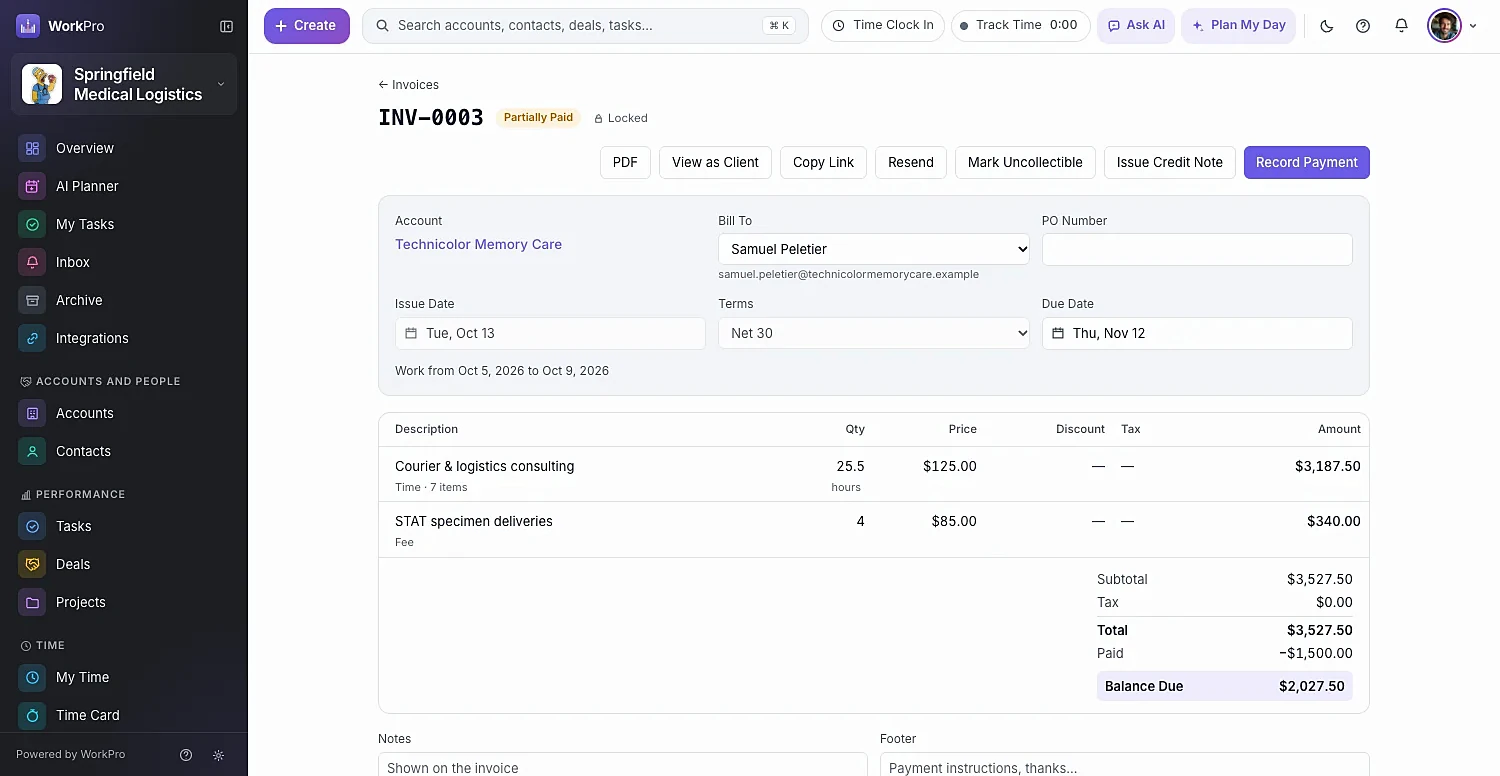
- Invoices
- Payments
- Credit notes
- Purchase orders
You choose the direction
Set it separately for every record type.
- Both Ways, Newest WinsEdits on either side flow to the other. If both change, the newest edit wins — field by field where it can.
- WorkPro → QuickBooksWorkPro is the source of truth; QuickBooks receives the changes.
- QuickBooks → WorkProQuickBooks is the source of truth; WorkPro stays in step.
- OffLeave a record type out of the sync entirely.
Built to be trusted
A sync you never have to wonder about
Most integrations are a black box. WorkPro shows its work.
Field-by-field merge
Edit the phone in WorkPro and the address in QuickBooks — both edits survive. Invoices and payments are compared whole.
Conflicts wait for a person
Deleted on one side and edited on the other? A total below what’s been paid? It stops in Sync Issues, side by side, until someone decides.
Two-year Sync Log
Before and after values on both sides, plus the reason for every change. Accounts and projects show their own Sync History.
Setup
Connected in four steps
- 01
Connect
An admin clicks Connect to QuickBooks and signs in with Intuit.
- 02
Match
Match QuickBooks customers and vendors to existing WorkPro accounts, so nothing is created twice.
- 03
Choose
Pick what syncs, the direction for each type, the start date, income accounts, default item and tax codes.
- 04
Relax
Changes flow within seconds. Sync Now and Pause are there whenever you need them.
FAQ
QuickBooks sync questions
Straight answers about what WorkPro does today. Can’t find yours? Ask us during a demo.
What does the WorkPro QuickBooks integration sync?
Accounts and billing contacts, vendors, projects, services and products, invoices, payments, credit notes and purchase orders. You choose the direction for each record type.
How fast is the sync?
Changes you save in WorkPro reach QuickBooks Online within seconds. Changes made in QuickBooks come back to WorkPro within minutes. You can also press Sync Now at any time.
What happens if the same record changes in both places?
For accounts, contacts, vendors, projects and items, WorkPro merges field by field — so an edit to the phone in WorkPro and to the address in QuickBooks both survive. Invoices and payments are compared as a whole. Real conflicts, like a record deleted on one side and edited on the other, stop in Sync Issues for a person to review. Nothing changes on either side until then.
Will connecting create duplicate customers?
No. During setup you match existing QuickBooks customers and vendors to WorkPro accounts so nothing is created twice.
Can I see what the sync changed?
Yes. The Sync Log records before and after values on both sides, with the reason for every change, and keeps them for two years. Synced accounts and projects also show their own Sync History.
Does WorkPro work with QuickBooks Desktop?
The integration is with QuickBooks Online.

Keep sales and finance on the same page
See WorkPro with your own pipeline, projects and invoices in a 30-minute walkthrough. We’ll help you import your data, too.